Balance and packs
The Balance section — how many tokens you have and how many edits they cover, transaction history, buying a pack via YooKassa and payment statuses.
On this page
The Balance section shows your tokens, the transaction history and packs to top up. The balance is also visible in the app header (the coin “pill”) and on the Balance tab of the bottom navigation — the number of tokens there, and anything above 999 is shown as “999+”.
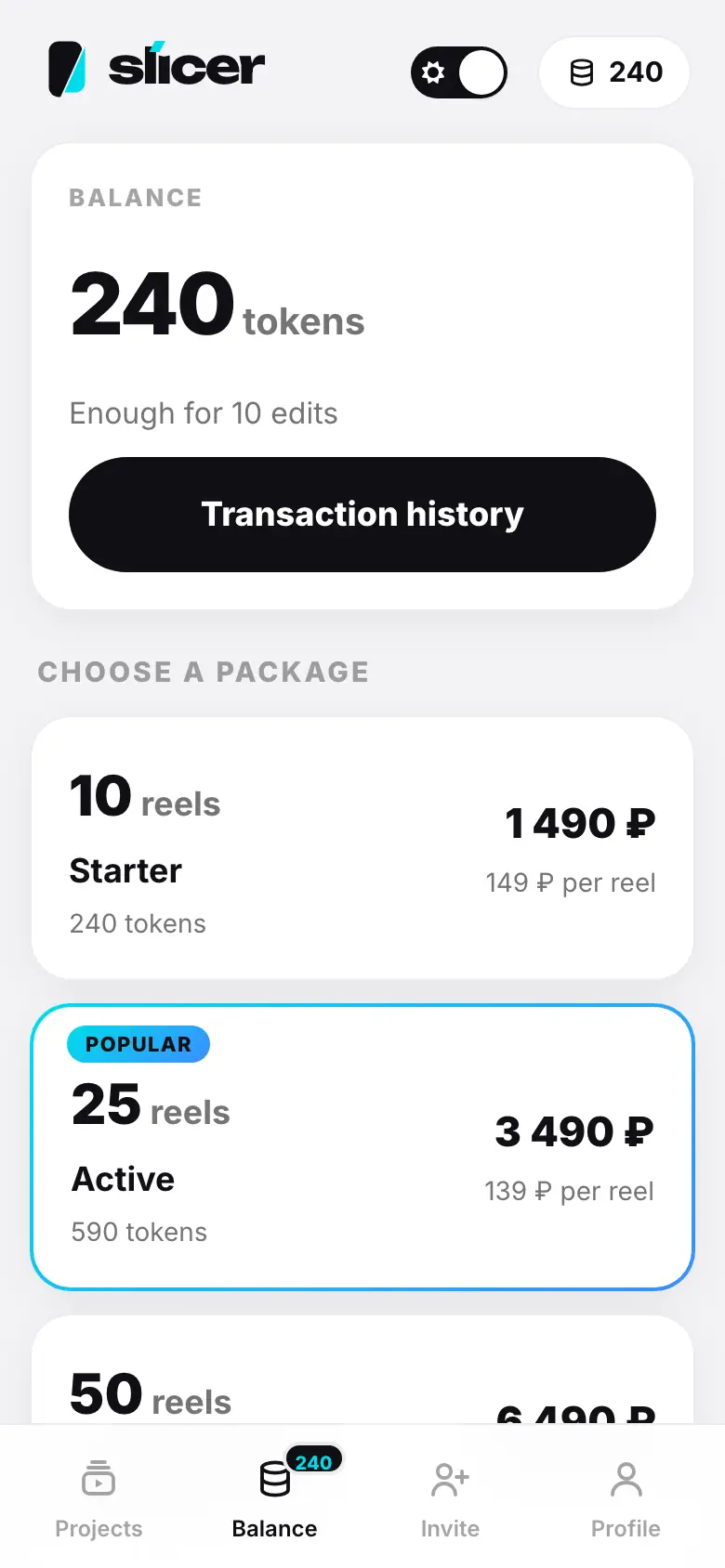
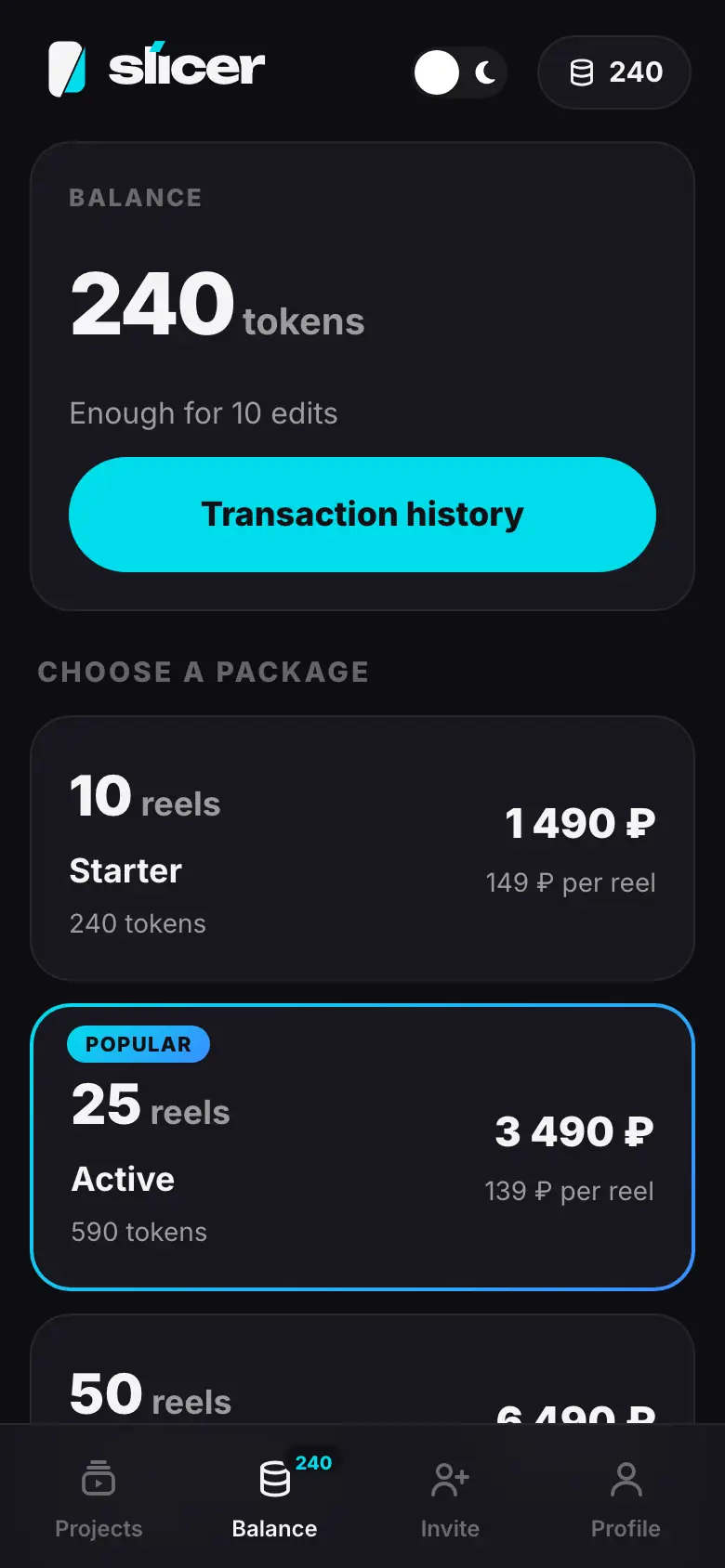
- The Balance tab: the number of tokens and “Enough for 10 edits”
- Tap “Transaction history” — a sheet with top-ups and charges
- Close the sheet; below — “Choose a package” and the pack cards
- Tap the Active pack — on to the payment page
- After payment — “Checking your payment…”, then “590 tokens added”
Balance
On top is how many tokens are available and the hint Enough for 10 edits: how many montages at the current price (24 tokens) you can start. Tokens reserved for a running montage are not counted as available.
Transaction history
The Transaction history button opens a sheet with every token movement:
- Top-up — a pack purchase;
- Bonus — tokens credited by Slicer;
- Charge — a montage, rebuild or AI operation;
- Refund — tokens returned after a failed or stopped run;
- Adjustment — a correction by support.
Each entry has a description, a date and a signed amount.
Buy a pack
Choose a pack
In the Choose a package block, each card shows the number of reels, the name, tokens, the price and the price per reel. The Popular pack is highlighted. Tap a card.
Pay
The YooKassa payment page opens in the same tab. After payment it brings you back to Balance.
The YooKassa payment page opens in the system browser. After payment the app opens on the Balance screen by itself.
Wait for the tokens
Slicer checks the payment — Checking your payment… — and shows 590 tokens added. If the bank is still processing it, you will see The payment is being processed — tokens will arrive automatically.
Tokens are credited only after the payment system confirms the payment. Card details are entered on the YooKassa page — Slicer does not see them.
If the payment fails
Slicer shows Payment failed and the reason:
- The payment time has expired
- Insufficient funds
- Check your card details
- The bank did not confirm the payment
- The payment was cancelled
- The bank declined the payment. Try another card or payment method
Choose the pack again. If you paid but closed the page too early, the tokens arrive automatically.
After your first purchase
- The free first reel with a watermark is re-rendered without it for free — the project starts a style change.
- Tokens are shared between the web and the app.
Default packs and what everything costs — Tokens, packs and the free reel.