6. Montage and the run card
Starting the montage and reading the run card — stages, elapsed and remaining time, tokens, stopping and what to do if the montage fails.
Step 6 of 9 · the montage takes a few minutes, from you — one tap
Everything is ready — let's start. The montage runs on the server: you can close the tab or the app, the reel is still assembled and the status updates by itself.
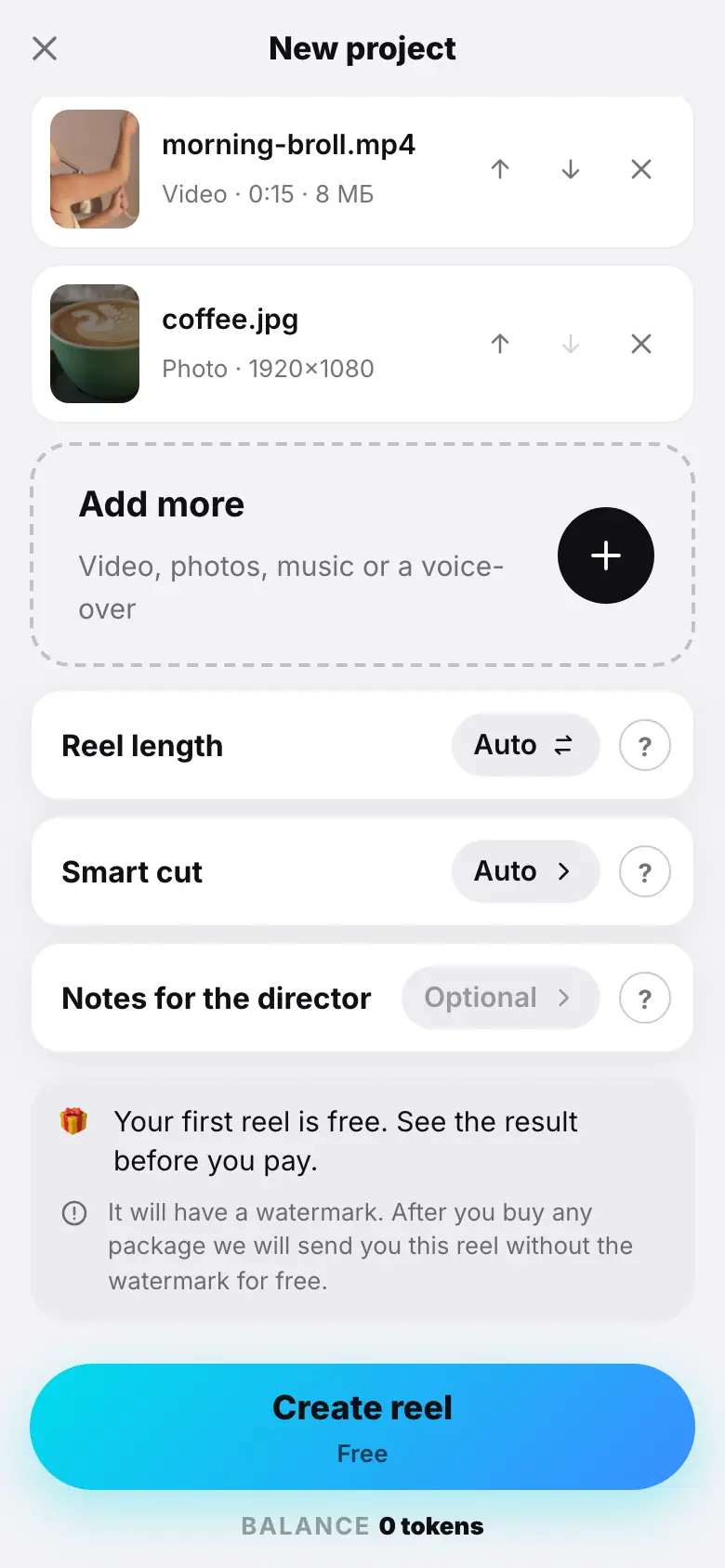
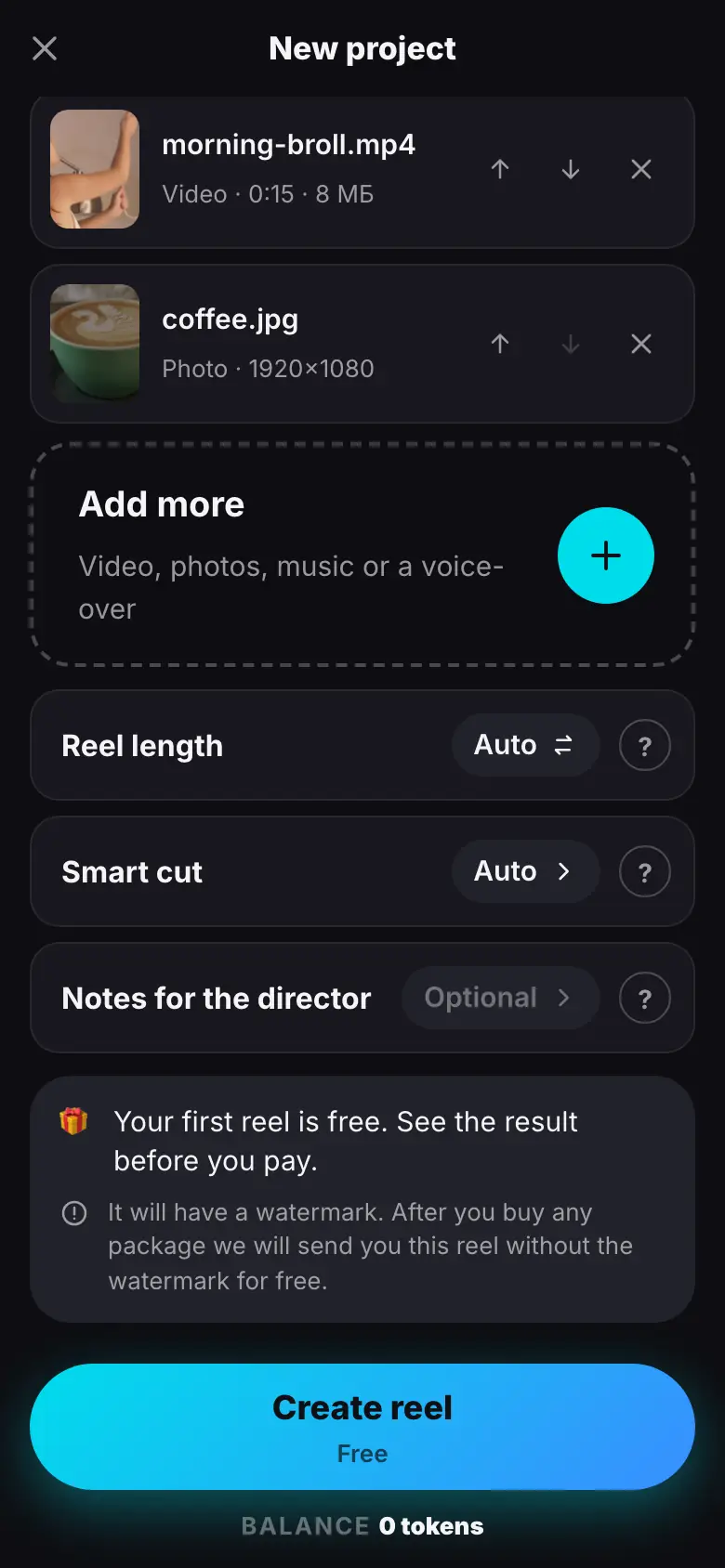
- Tap “Create reel” — “Free” under the button
- “Editing started” — the project opens on Media with the “First montage” card
- Stages: finished ones have a check mark and time, the running “Transcribing speech” shows a percentage
- The token line and “You can close the app — the video keeps rendering on the server…”
- Almost done: ≈ 0:40 left
Starting
Tap Create reel. Under the button it says Free for your first reel or the price: a montage costs 24 tokens, with your balance shown below. If you do not have enough tokens, the button says Top up balance and leads to Balance.
After the start you see Editing started, the wizard closes and your new project opens. While the montage runs, the project opens on the Media section with the run card on top.
The run card
- Title — the kind of work: First montage. Below — the current stage and the overall percentage.
- Time — Queued for 0:12 while the reel waits in the queue; then 1:05 elapsed and the estimate ≈ 2:10 left.
- Stages — what the AI does, in order: Preparing video, Transcribing speech, Listening for pauses, Watching frames, Voiceover, Finding the best moments, Assembling the edit, Framing the shot, Preparing graphics, Rendering, Checking the cut, Polishing the cut, Almost done. The running stage shows a percentage, finished ones show their time. On the Checking the cut and Polishing the cut stages the director reviews the finished reel itself and fixes it if needed (the self-check).
- Stage labels. not needed — the stage was not needed in this run (for example, the AI voiceover is off) and costs nothing. The Second version stage is marked this way too: a montage delivers one version. simplified — AI was unavailable at this stage or answered only partly, so the stage ran without it. Tap a label for an explanation.
- Tokens. A paid montage has a column with each stage's share of the price and a “Tokens reserved: …” line; a free one shows Free — no tokens are charged.
The same percentage is shown in the Projects list and in the project header.
Changed your mind
The Stop button at the bottom of the card stops the montage. Slicer asks for confirmation and says what happens to the tokens: reserved ones return to your balance. More — Retry and stop.
If the montage fails
Instead of the run card you get a failure card: a clear reason, the stage where the montage stopped and what happened to the tokens — for a paid montage they return to your balance. Show stages expands the stages with their times. Tap Retry: the montage continues from the stage where it stopped, not from scratch. Retrying a free run is free.
What's next
Step 7 of 9 — The finished reel: the montage is ready, watch the reel the director checked itself.