Publishing to YouTube, Instagram, TikTok, VK
Auto-publishing from the export window — title and caption, the AI label, settings and limits of each platform, publication statuses, retry and cancel.
On this page
Slicer publishes the reel to connected accounts right after export: you pick the accounts and settings in the export window, and Slicer uploads to the platform by itself. If the file does not meet a platform's requirements, Slicer makes a separate copy for it — a note under the account says so.
Connect your accounts first — Connecting social accounts.
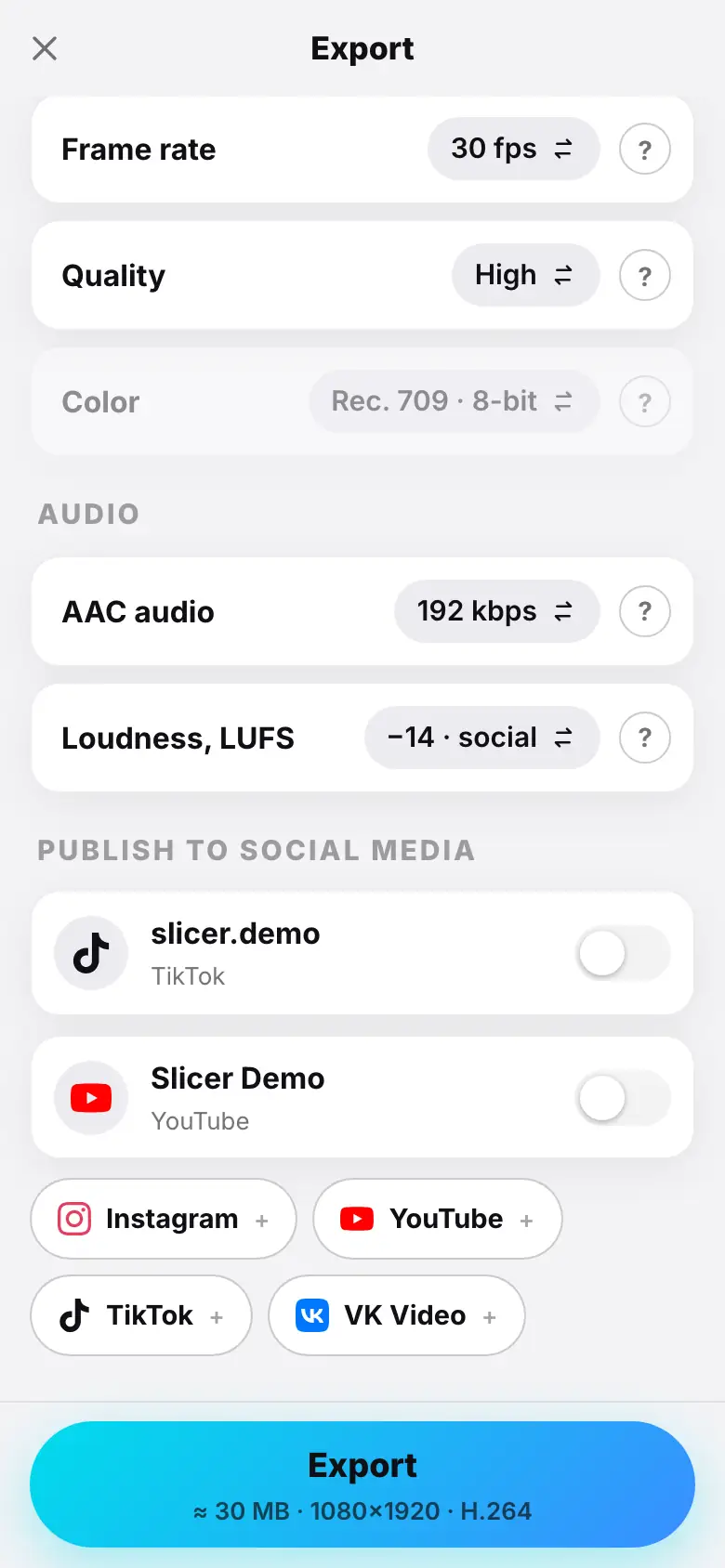
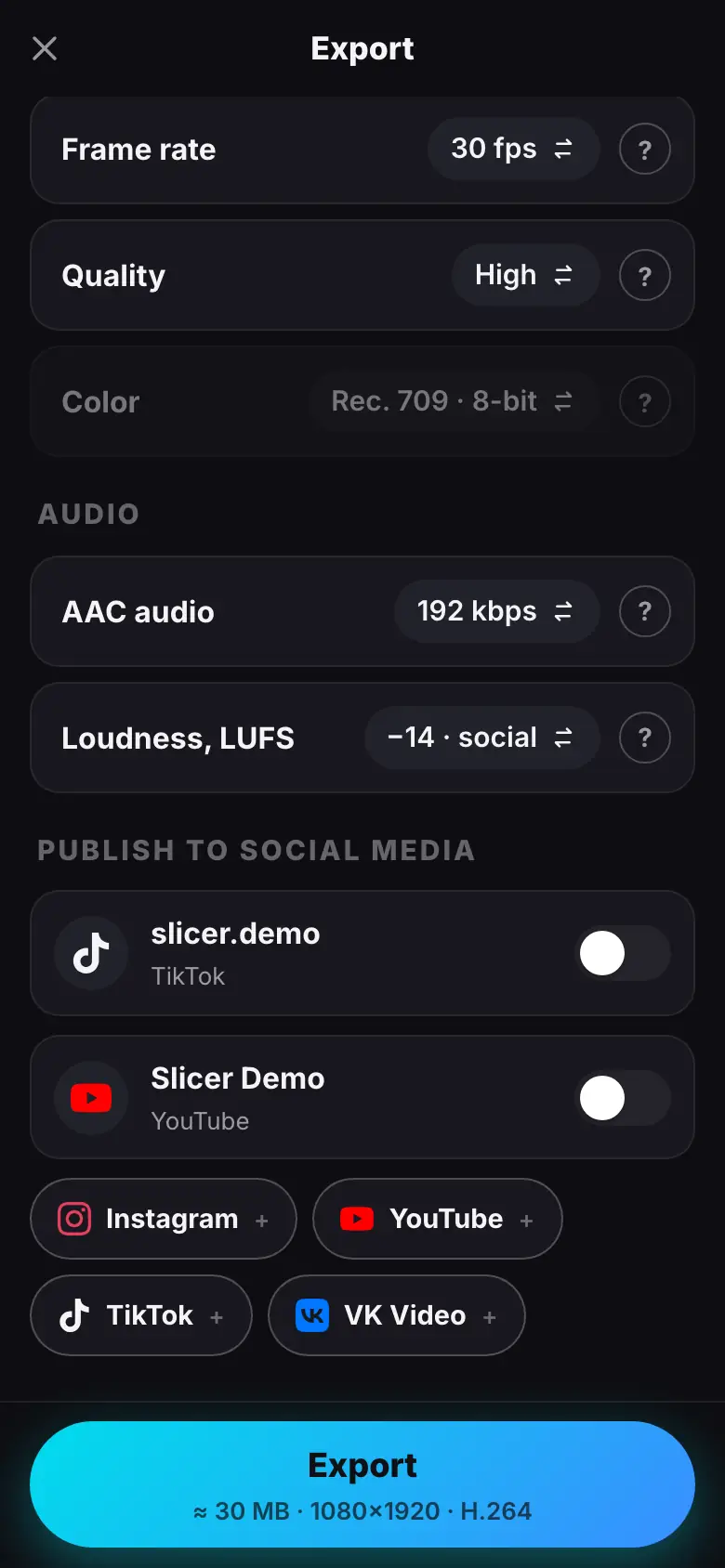
- The export window, “Publish to social media”: YouTube and TikTok accounts with switches
- Turn on YouTube — Title, Caption & hashtags and Visibility appear
- Turn on TikTok — “Posting to …” and “Who can view: Choose”
- Tap “Who can view” — Only me; TikTok's consent text at the bottom
- Tap “Export & publish · 2”
- The publications button in the project header — the Publications sheet with statuses
Common fields
Once at least one account is on, the export window shows:
- Title — for YouTube and VK. The AI drafts it during the montage.
- Caption & hashtags — an AI draft; on the right, a character counter by the strictest limit among the selected platforms.
- Made with AI — platforms ask to label videos with an AI avatar or AI effects; viewers see a label. If the reel has an AI avatar or an AI effect, the switch is on by itself.
Below are the settings of each selected account. If something is wrong (the text is too long, no visibility chosen), the reason appears under the account, and the export button stays disabled until you fix it.
YouTube
- Visibility — Public (default), Unlisted, Private (only you).
- Made for kids — by law YouTube asks to mark videos made for children; such videos have comments and personalized ads disabled.
- Title — up to 100 characters, caption — up to 5,000, hashtags — up to 15.
- Also share to feed — the reel appears not only in the Reels tab but also in the main profile feed (on by default).
- Caption — up to 2,200 characters, hashtags — up to 30. The reel must be at least 3 seconds long.
- Instagram accepts only 8-bit video and limits file size and bitrate — if your file is bigger, Slicer makes a copy for Instagram. A professional account is required.
TikTok
The TikTok settings follow TikTok's rules for apps:
- A “Posting to …” line with the creator's nickname — where the reel goes.
- Who can view — you must choose; there is no default. The options depend on your account. While Slicer is being reviewed by TikTok, only Only me is available.
- Comments, Duet, Stitch — off by default. If something is disabled in your TikTok account settings, the switch is inactive.
- Disclose video content — turn it on if the reel promotes goods, a service or a brand, and mark Your brand (“Promotional content” label) or Branded content (“Paid partnership” label). Branded content cannot be published with “Only me” visibility.
- Next to the export button — TikTok's consent text.
- Caption — up to 2,200 characters; length — within your account's limit.
VK Video
- Post to — My page or a community you manage (the row appears if you have any).
- Who can view — Everyone, Friends, Only me (for your own page).
- Post on the wall — the video appears not only in Videos but also as a wall post.
- Title — up to 128 characters, caption — up to 5,000.
Publication statuses
After export, a button with the platform logo appears in the project header. It opens the Publications sheet:
| Status | Meaning |
|---|---|
| Waiting for render | the export is still running |
| Queued | the reel is ready, the publication waits to be sent |
| Uploading 60% | the file is being sent to the platform |
| Platform is processing | the platform is preparing the video |
| Published | done — Open leads to the post |
| Not published | with a reason; Retry sends the same file again |
| Cancelled | you cancelled the publication |
Cancel works until the reel is handed over to the platform. All publications also stay in the project history — Social post entries with a link to the post.
Platform limits for now
While Slicer goes through the platforms' reviews, their limits apply: TikTok — “Only me” only; YouTube and Instagram — daily limits on the number of posts. If a publication failed because of a limit, retry it later.
What's next
- Connecting social accounts
- Download and share — to publish by hand.