Connecting social accounts
How to connect Instagram, YouTube, TikTok and VK Video for auto-publishing reels from Slicer, reconnect an account with expired access and disconnect it.
On this page
Connect a social account once — and the reel is published right after export. Slicer publishes to Instagram (Reels), YouTube (Shorts), TikTok and VK Video. You can connect several accounts of the same platform.
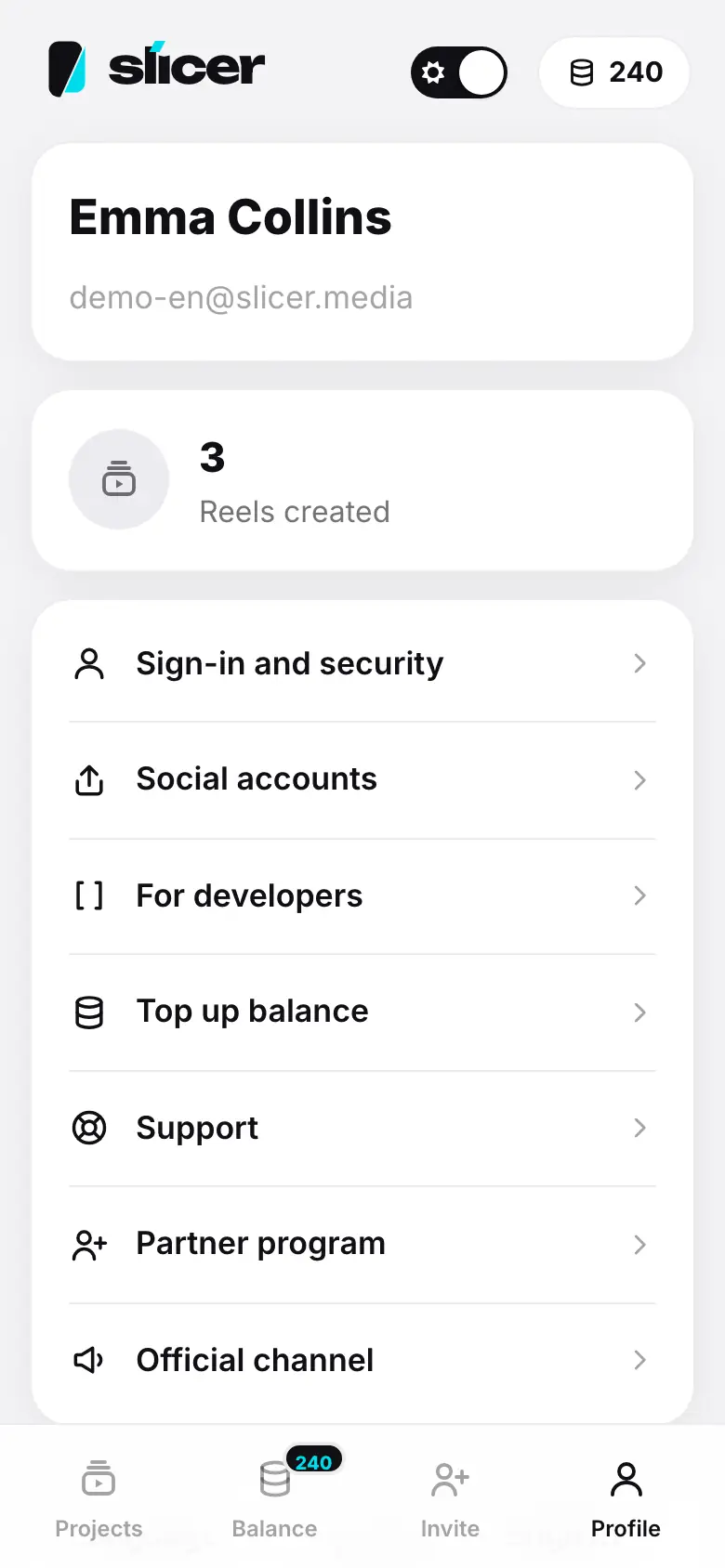
- Profile → “Social accounts”
- The Social accounts screen: platform buttons under “Connect”
- Tap YouTube — sign in to the platform
- Back in Slicer — “YouTube: account connected”, the account is in the list
- Tap “Disconnect” on the account — a confirmation
Where to connect
- Profile → Social accounts — the Social accounts screen with the list of accounts.
- Right in the export window, in the Publish to social media block — platform buttons under the list of accounts.
How to connect
Choose a platform
Tap a platform button: Instagram, YouTube, TikTok or VK Video. If you already have accounts, the buttons are under Connect another. A platform marked Soon is not available yet.
Sign in to the platform
The platform sign-in opens in a pop-up window. If the browser blocks the pop-up, Slicer opens the sign-in in the same tab and brings you back to the previous screen afterwards.
The platform sign-in opens in the system browser, and the app opens again by itself afterwards.
Allow Slicer to publish videos on your behalf.
Done
You will see YouTube: account connected, and the account appears in the list with its name and logo. In the export window it gets a switch.
Platform requirements
- Instagram — a professional account (creator or business) is required.
- YouTube — a channel on the Google account is required.
If an account cannot publish via apps, you will see This account cannot publish via apps: you need an Instagram professional account or a YouTube channel.
Access expired
A platform may revoke Slicer's access to your account, and Slicer cannot always renew it by itself. Then the account shows Access expired and a Reconnect button: sign in to the platform again. Publications to such an account will not go out until you reconnect it.
Disconnecting an account
On the Social accounts screen, tap Disconnect on the account and confirm. Slicer will no longer be able to publish to it; if the platform allows, access is revoked on its side too. Reels already published stay on the platform.
Security
Access keys to your social accounts are stored encrypted. An account can only be connected from your own Slicer session — someone else's sign-in link cannot attach your account to another person. More — Security.
What's next
- Publishing to YouTube, Instagram, TikTok, VK — settings and limits of each platform.
- Export: presets and file settings