5. Smart cut and notes for the director
Reel length, the Smart cut group — video type, pace, effects and AI voiceover — and notes for the director in your own words.
Step 5 of 9 · about a minute
Below the media on the Media step are three rows that tell the AI director what reel you need: Reel length, Smart cut and Notes for the director. All of them are optional: by default the director figures out the task from your footage.
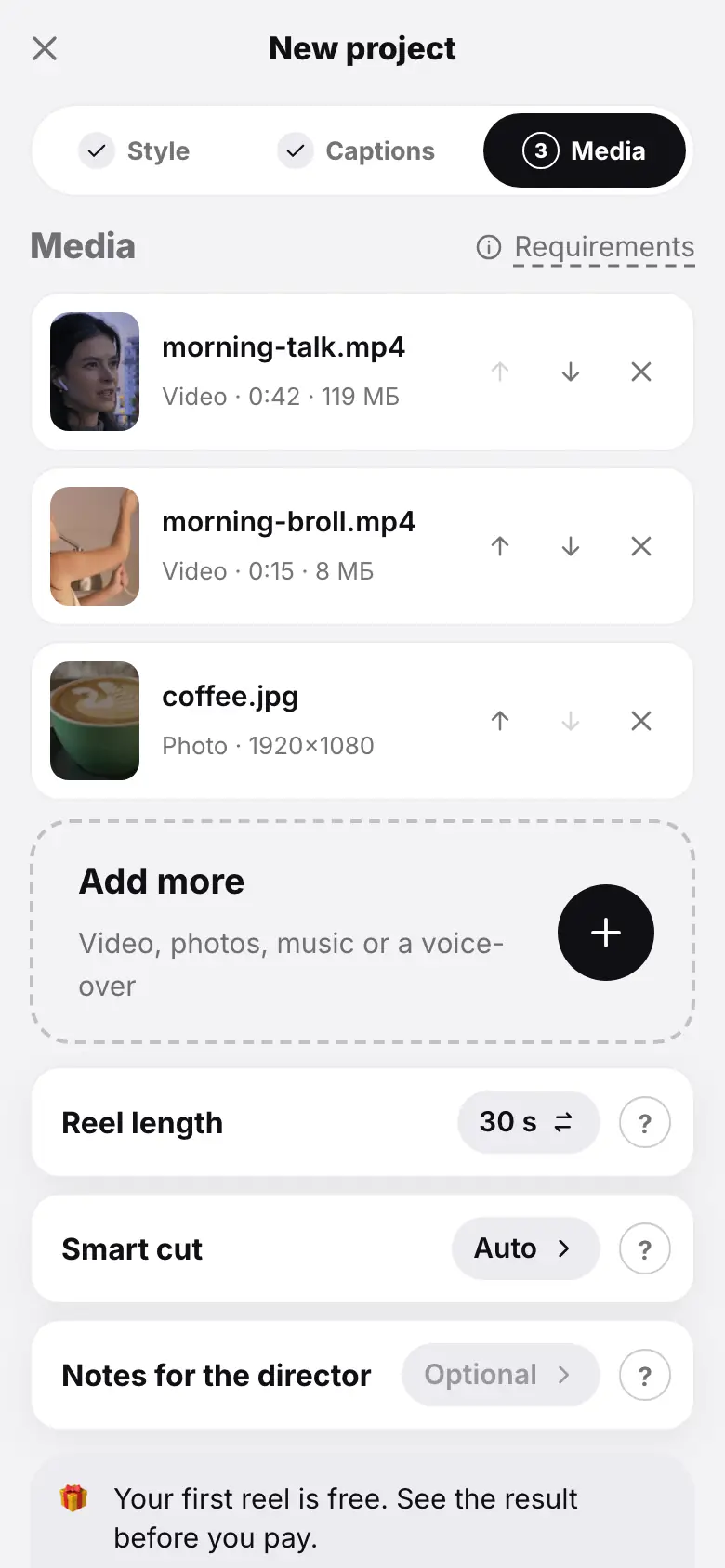
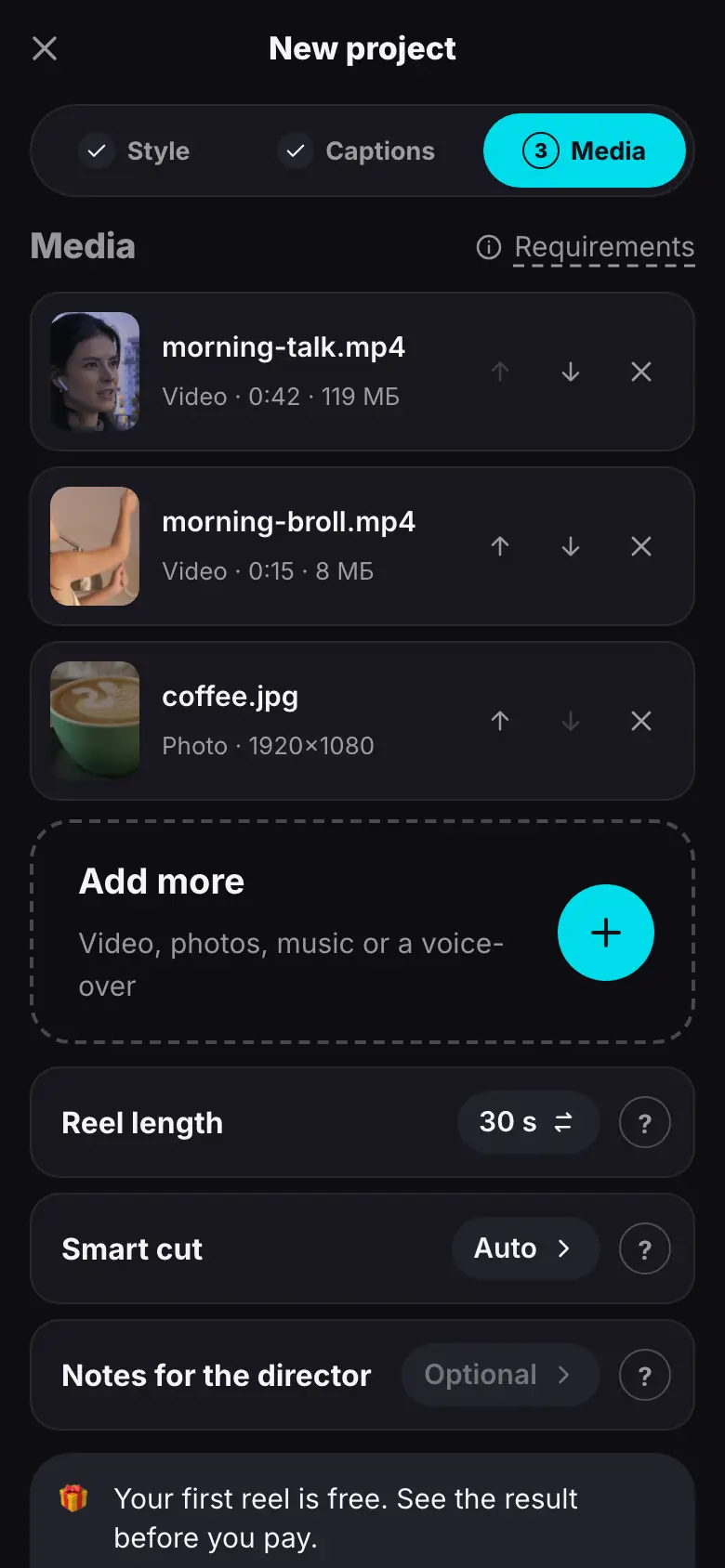
- Tap the Reel length row — the value changes from Auto to 15 s, tap again — 30 s
- Tap the Smart cut row — the Direction sheet opens
- Tap Video type — Talking head
- Tap Pace — Dynamic, then “Done”
- Tap the Notes for the director row — a sheet with a field and suggestions
- Tap the “Fast, no pauses” suggestion, add “open with the result” and tap “Done”
Reel length
The row cycles through Auto, 15 s, 30 s, 60 s, 90 s.
- Auto — the AI decides from the content: usually 20–60 seconds, never more than 90.
- A set length — the AI fits the most important parts into it, give or take about 15%.
Smart cut
The Smart cut row shows the video type and opens the Direction sheet:
| Setting | Options | What it changes |
|---|---|---|
| Smart cut | on / off | on — remove pauses and retakes, build from the best; off — for an already edited video: the edit stays, only “uhm” is cleaned from audio and captions |
| Video type | Auto, Talking head, Story / vlog, Product / review, Aesthetic + music | the genre the director edits for |
| Pace | Calm, Balanced, Dynamic | clip length, pauses, how often zooms and cutaways happen |
| Effects & transitions | None, Light, Bold | how many transitions and effects the director adds itself |
| AI voiceover | on / off | the AI writes a script from your footage and notes and voices it — for product footage and videos without speech |
| Voice | Warm female, Soft female, Confident male, Deep male | the voiceover voice |
Defaults: smart cut on, type Auto, pace Balanced, effects Light, AI voiceover off. The Product / review type turns the voiceover on by itself, Aesthetic + music turns it off. Each row has a “?” describing every option. Close the sheet with Done.
Once the reel is built, the director reviews the finished result itself and fixes what is needed — this is included in the montage price. More — The self-check of the finished reel.
Notes for the director
The Notes for the director row opens a sheet with a field of up to 600 characters. Describe the mood, pace, what to show first, what to emphasize and how to end. Ready-made suggestions are added with a tap: Fast, no pauses, Focus on price and benefits, Calm, to music, With humor.
For example: “Fast, no pauses; open with the result; end with a call to follow”.
The director follows your notes when building and checking the reel and, if the AI voiceover is on, in its script too. The notes are stored encrypted.
What you can change later
Reel length, smart cut and notes can be changed in the finished project's Settings section. That is a rebuild with new settings — it is paid and resets manual edits.
What's next
Step 6 of 9 — Montage and the run card: starting the montage and following the stages.
- How the director works — building the reel and its self-check, video types.
- AI voiceover — when to turn it on and how it sounds.