Invite friends
The Invite section — your personal link, how to copy and send it, what your friends get and how invitations and bonuses are counted.
On this page
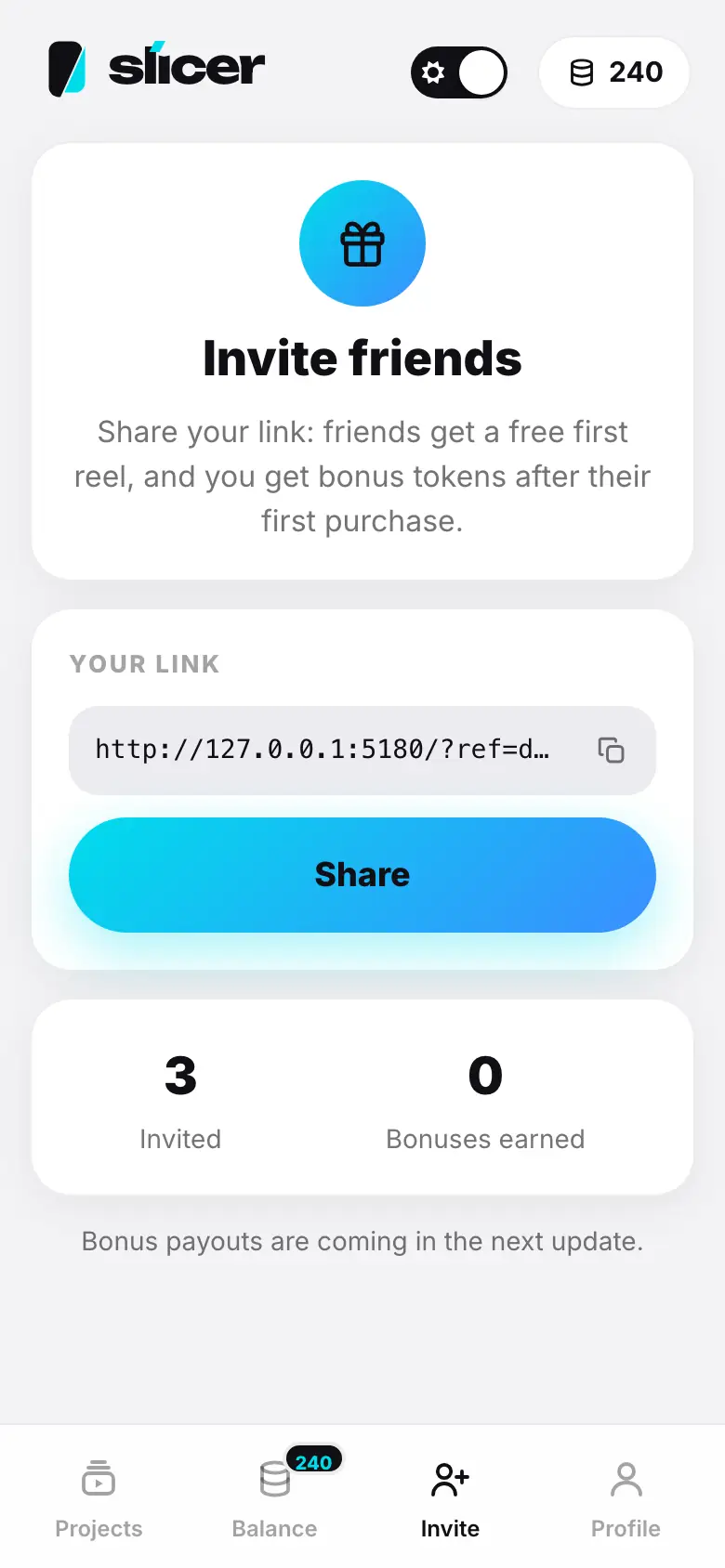
Share Slicer with friends using your personal link. A friend who signs up through it gets a free first reel, and you get bonus tokens after their first purchase.
Step 1 of 4
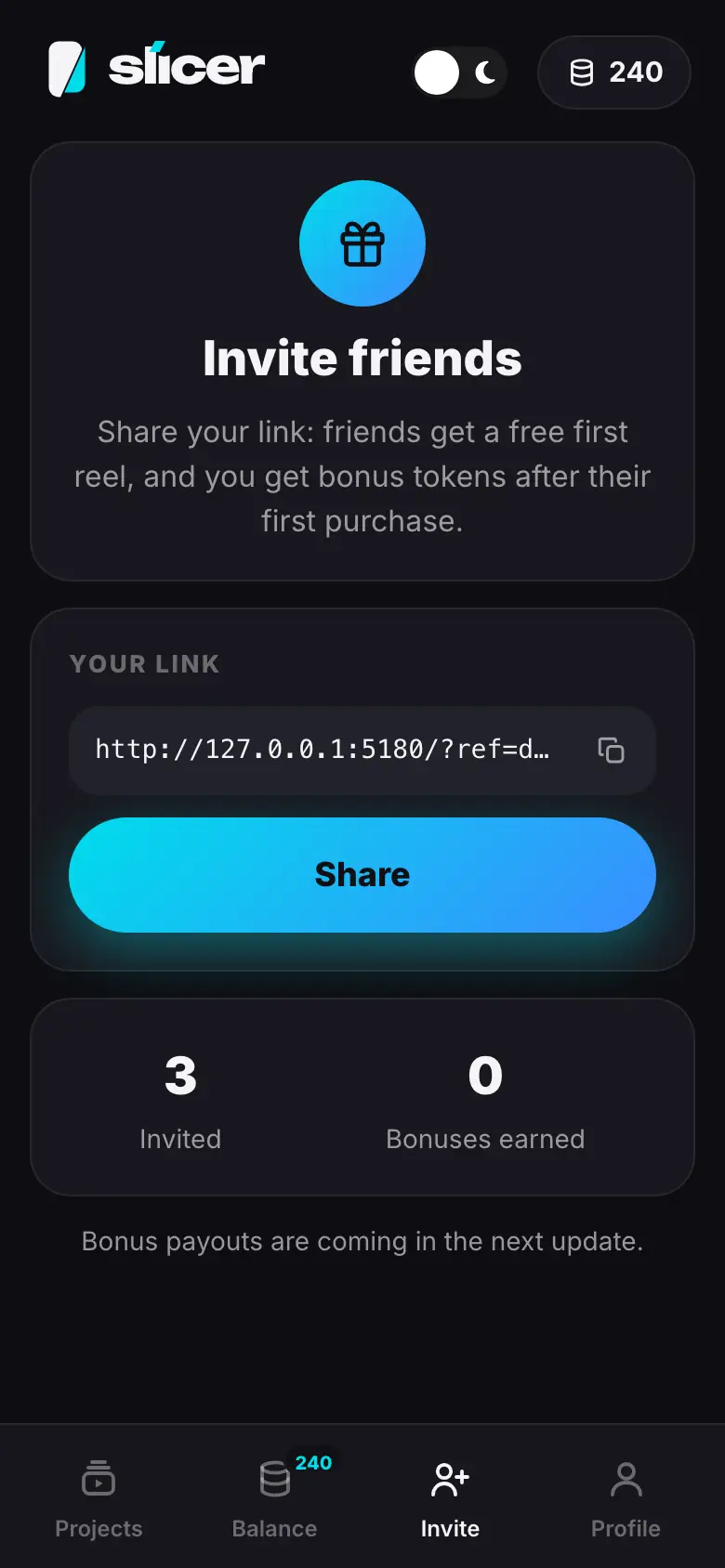
- The Invite tab: “Invite friends” and the terms
- The “Your link” block: tap the copy icon — a check mark
- Tap “Share” — the system Share menu
- Below — “Invited” and “Bonuses earned”
How to invite
- Open the Invite tab (in your profile it is also Partner program).
- In the Your link block, tap the copy icon — the link is copied to the clipboard.
- Or tap Share — the system Share menu opens. If the browser does not support it, the link is simply copied.
The link leads to Slicer and remembers that your friend came from you — even if they first look through the intro and sign up later, or sign up with VK ID, Google or Apple.
Counters
- Invited — how many people signed up through your link.
- Bonuses earned — how many bonus tokens you have received.
The free first reel is available to every new user with a verified email — with or without an invitation.